

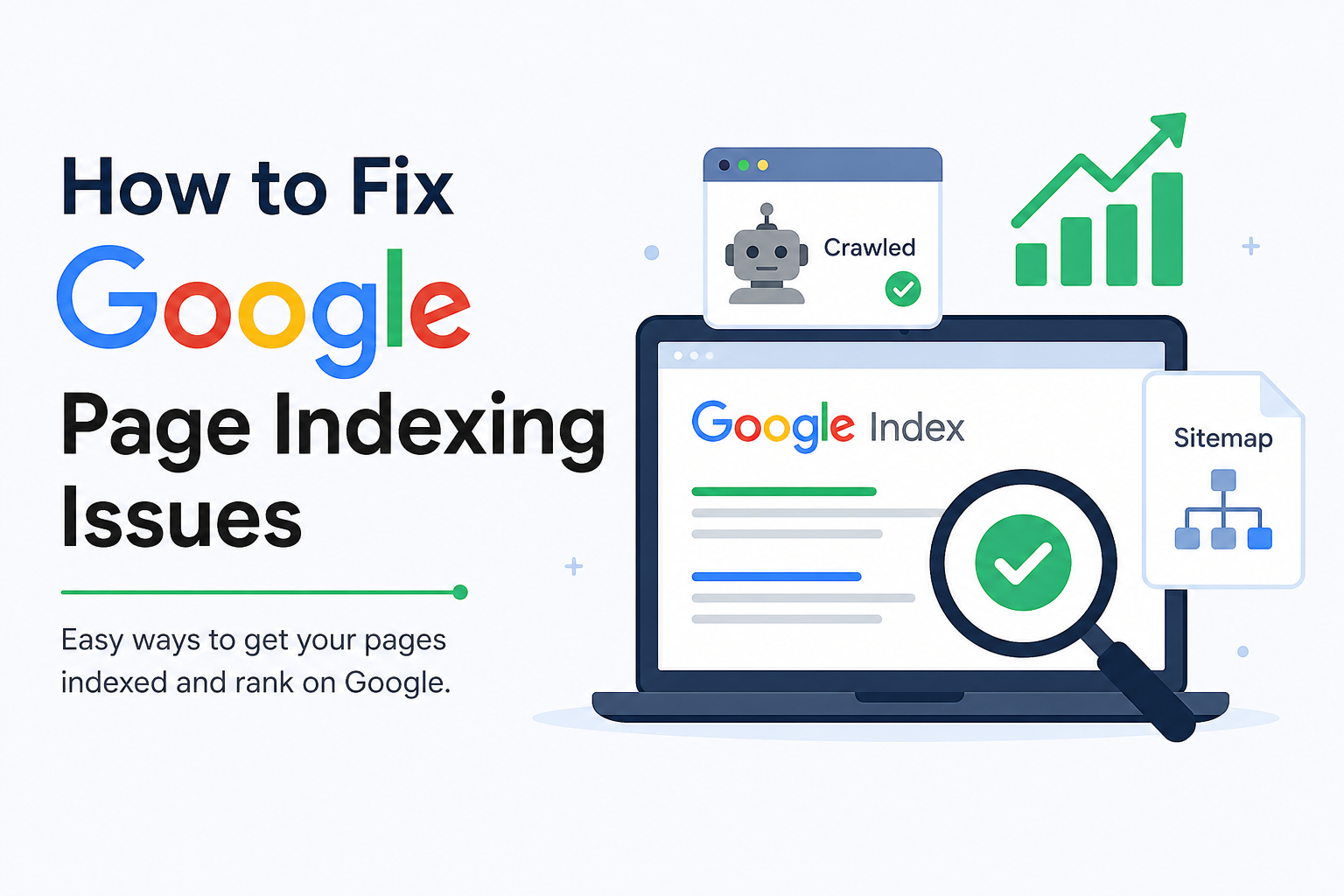
Many people create a website or blog and write good articles. But sometimes, their pages do not show on Google Search. This problem is called a Google page indexing issue.
If Google does not index your page, people cannot find your website. This means you will get less traffic and fewer visitors.
The good news is that you can fix this problem. In this blog, you will learn easy ways to solve Google page indexing issues.
What Is Google Indexing?
Google has a big database where it stores web pages. This database is called the Google Index.
When Google finds your page and saves it in its index, your page can appear in search results.
If your page is not indexed, it will not show on Google.
Why Does Google Not Index a Page?
There are many reasons why Google may not index your page.
Some common reasons are:
- The page is new.
- The page has very little content.
- The page has copied content.
- The page has technical errors.
- Google cannot crawl the page.
- The page is blocked by robots.txt.
- The page has a “noindex” tag.
Finding the real reason is the first step.
1. Check Your Page in Google Search Console
Google Search Console is a free tool from Google.
Open the tool and paste your page URL into the search bar.
If Google says “URL is not on Google,” then your page is not indexed.
You can click “Request Indexing” to ask Google to check your page.
This is one of the easiest ways to fix indexing problems.
2. Write High-Quality Content
Google likes useful and original content.
Do not copy articles from other websites.
Write in your own words and help readers solve their problems.
A blog with valuable information has a better chance of getting indexed quickly.
3. Use the Right Keywords
Keywords help Google understand your page.
For example, if your blog is about page indexing, use keywords like:
- Google page indexing
- Fix indexing issues
- Why page is not indexed
- Google Search Console
- Request indexing
Do not use the same keyword too many times.
Write naturally.
4. Create a Sitemap
A sitemap is a file that lists all the pages on your website.
It helps Google find your pages faster.
Most websites using WordPress can create a sitemap automatically with SEO plugins.
After creating it, submit the sitemap in Google Search Console.
5. Check robots.txt File
The robots.txt file tells search engines which pages they can visit.
If your page is blocked in this file, Google cannot crawl it.
Check your robots.txt file and make sure important pages are allowed.
Removing unnecessary blocks can solve indexing issues.
6. Remove the Noindex Tag
Some pages have a special code called the noindex tag.
This tag tells Google not to include the page in search results.
If you accidentally added this tag, remove it.
After removing it, request indexing again.
7. Improve Internal Linking
Internal links connect one page of your website to another.
For example, if you write about SEO and another blog about keywords, link them together.
This helps Google discover new pages.
It also helps visitors stay longer on your website.
8. Build Backlinks
Backlinks are links from other websites to your website.
Google sees backlinks as a sign of trust.
You can get backlinks by:
- Writing guest posts
- Sharing useful content
- Listing your website in trusted directories
- Creating helpful guides
Quality backlinks can improve indexing and rankings.
9. Make Your Website Fast
Slow websites can create problems for users and search engines.
Improve speed by:
- Compressing images
- Using fast hosting
- Removing unnecessary plugins
- Using browser caching
A faster website gives a better experience and helps Google crawl pages.
10. Make Your Website Mobile-Friendly
Many people use phones to browse the internet.
Your website should work well on mobile devices.
Buttons should be easy to tap.
Text should be easy to read.
Images should fit the screen.
Google prefers mobile-friendly websites.
11. Update Old Content
Do not leave old articles unchanged for years.
Add new information.
Fix broken links.
Update images if needed.
Fresh content tells Google that your website is active.
12. Avoid Duplicate Content
Duplicate content means the same text appears on different pages.
Google may get confused and decide not to index one of them.
Always write unique articles.
Use original titles and descriptions.
13. Fix Broken Pages
Broken pages show errors like 404 Not Found.
Too many broken pages can hurt your website.
Regularly check your site and repair or redirect broken URLs.
14. Publish Content Regularly
Google likes websites that stay active.
Try to publish new blogs every week or every month.
Regular posting helps search engines visit your website more often.
15. Be Patient
Sometimes Google needs time.
A new page may take several days or even weeks to appear in search results.
Keep improving your website and continue publishing quality content.
Patience is important.
Final Thoughts
Google page indexing issues can stop your website from getting traffic.
But most problems are easy to fix.
Check your page in Google Search Console, create good content, submit a sitemap, improve internal links, and make your website fast and mobile-friendly.
Always write original articles and update your old content.
When your website follows good SEO practices, Google is more likely to index your pages and show them in search results.
Keep learning, keep writing, and your website can grow step by step.








Nice Article
Thank you for sharing information
Very informative and helpful article.